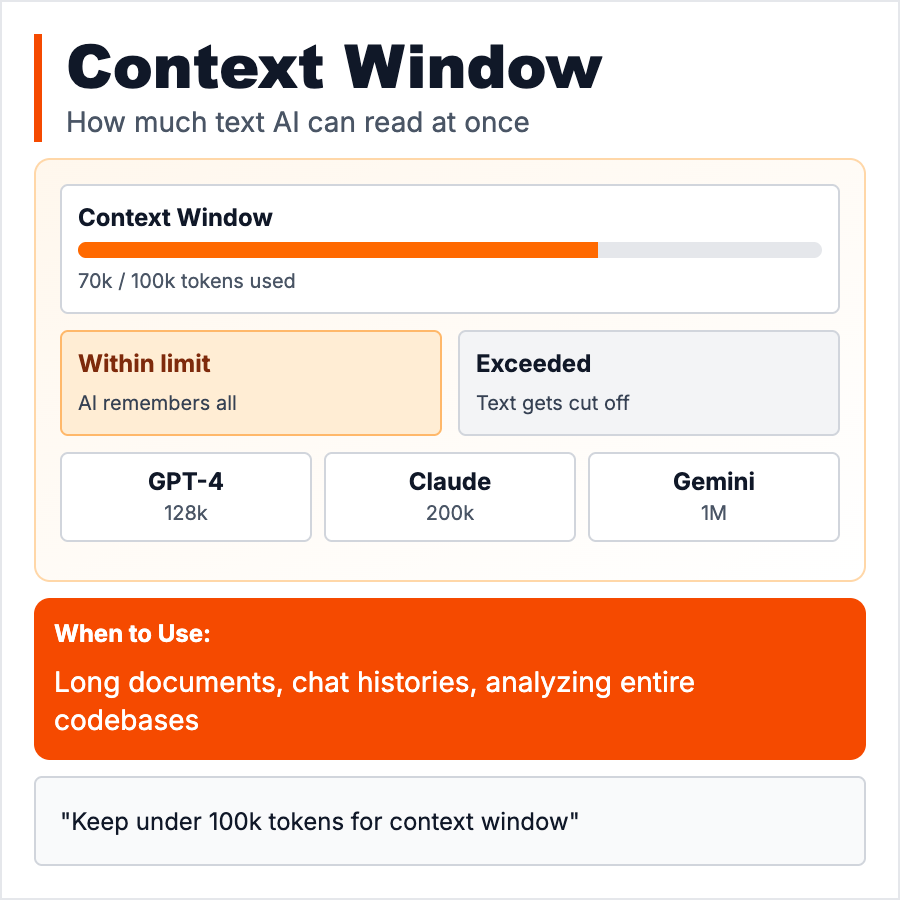
What is Context Window?
Context Window is how much text the AI can "see" at once—its working memory. GPT-4: 8K-128K tokens (~6K-100K words). Claude: 200K tokens (~150K words). Includes your prompt + conversation history + AI response. When you exceed the limit, AI forgets earlier parts. Like trying to remember a conversation but only the last 10 minutes stick. Bigger context = more expensive but AI can reference more information.
When Should You Use This?
Work within context limits by: keeping prompts concise, summarizing long conversations, using RAG for documents (don't paste entire docs), or splitting tasks. Need long context? Use Claude (200K) or GPT-4-Turbo (128K). Most tasks work fine in 4K-8K tokens. Only use massive context when truly needed (analyzing long documents, deep code review)—it's slower and more expensive.
Common Mistakes to Avoid
- •Pasting entire codebases—hit token limit, use RAG or selective context instead
- •Not counting tokens—your prompt + history + response must fit in window
- •Forgetting cost—longer context = much higher cost, optimize prompts
- •Assuming infinite memory—AI forgets stuff outside context window
- •Not summarizing—in long conversations, summarize every N turns to save tokens
Real-World Examples
- •GPT-3.5: 4K tokens (3K words) → short conversations, simple tasks
- •GPT-4: 8K-128K tokens → analyze documents, long conversations
- •Claude: 200K tokens → entire codebases, books, long-form analysis
- •Cost: 200K context costs 50-100x more than 4K context per call
Category
Ai Vocabulary