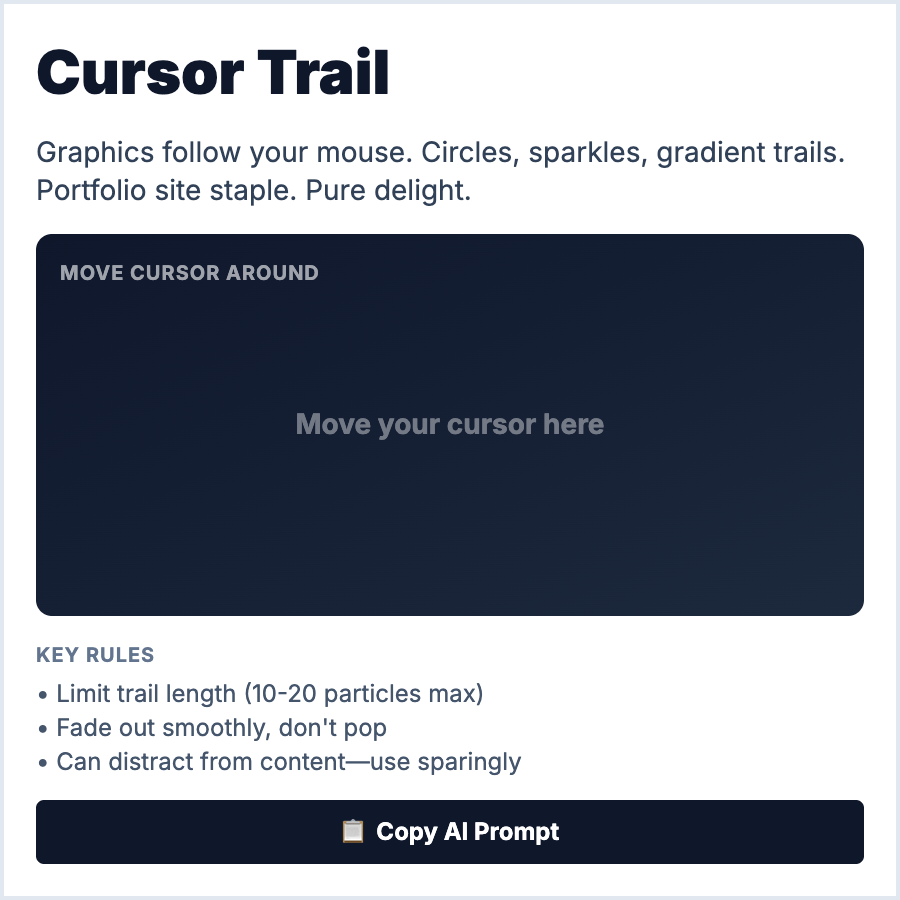
What is Cursor Trail?
Cursor Trail adds visual elements following mouse movement—particles, sparkles, gradients, or custom shapes. Uses JavaScript to track cursor position and render elements. Creates playful, magical, or premium feel. Should be subtle to avoid distraction.
When Should You Use This?
Use cursor trails for creative agencies, portfolios, gaming sites, or brands wanting playful personality. Works for hero sections or specific interactive areas. Not suitable for productivity tools or text-heavy sites. Desktop only.
Common Mistakes to Avoid
- •Too distracting—cursor trails should enhance, not dominate; keep subtle and tasteful
- •Performance issues—rendering many particles tanks performance; limit particles and use requestAnimationFrame
- •Missing accessibility—must disable for reduced-motion preferences; not everyone enjoys effects
- •Mobile ignorance—no cursor on mobile; effect simply doesn't exist; design accordingly
- •Covering content—ensure trails don't obscure text or interactive elements
Real-World Examples
- •Creative portfolios—many designer sites use subtle sparkle or dot trails
- •Gaming sites—cursor trails create immersive, playful experiences
- •Product launches—Apple occasionally uses cursor effects for special announcements
- •Award sites—creative awards sites (Awwwards) use cursor trails for wow factor
Category
Visual Effects
Tags
cursor-trailmouse-effectsparticlesinteractiveplayful