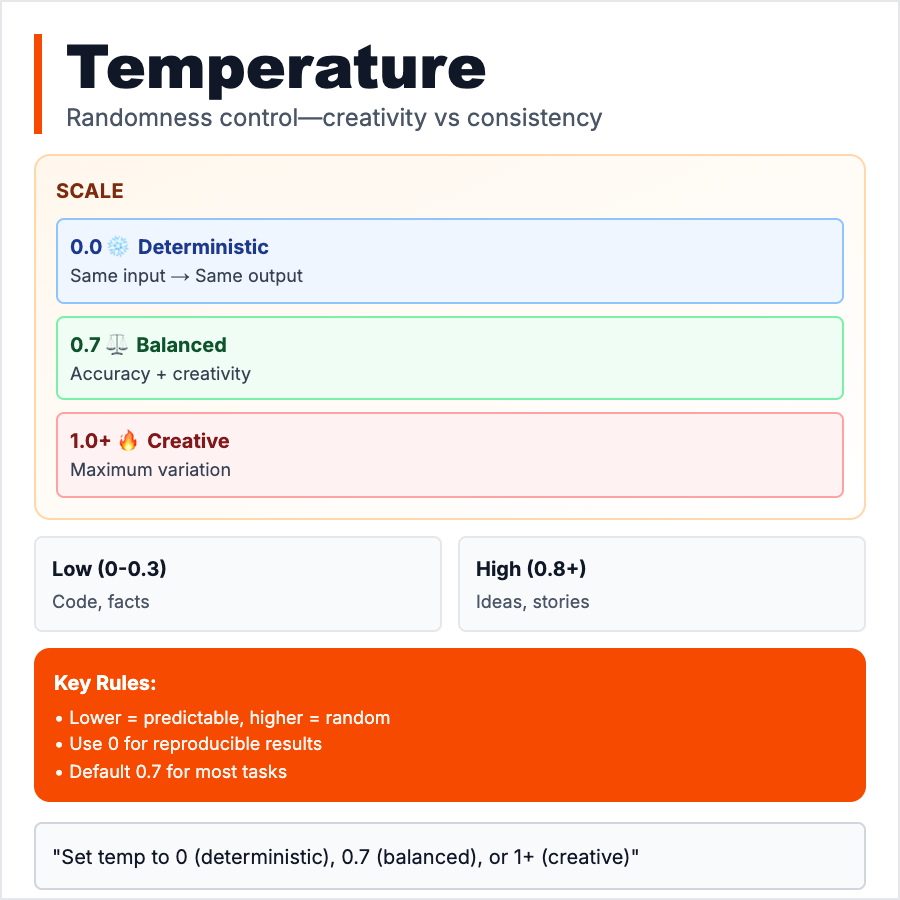
What is Temperature (AI)?
Temperature controls how random or creative the AI is. Temperature=0: deterministic, always picks most likely word (same input = same output). Temperature=1: creative, picks from many options (different outputs each time). Scale: 0.0 to 2.0, default usually 0.7-1.0. Low temperature (0-0.3) for facts, code, consistent outputs. High temperature (0.7-1.5) for creative writing, brainstorming, variety. Single most important parameter to tune.
When Should You Use This?
Use low temperature (0-0.3) for: factual tasks, code generation, data extraction, consistent outputs, customer support. Use high temperature (0.7-1.5) for: creative writing, brainstorming, marketing copy, when you want variety. Start at 0.7 (default), adjust based on results. Temperature=0 for production systems where consistency matters. Temperature=1+ for idea generation.
Common Mistakes to Avoid
- •Always using default—tune temperature for your task, huge quality impact
- •Too high for facts—Temperature=1.5 makes AI hallucinate more
- •Too low for creativity—Temperature=0 gives boring, repetitive creative writing
- •Not testing—small changes (0.7 → 0.3) can dramatically change output
- •Confusing with randomness—low temperature isn't "less smart," it's more consistent
Real-World Examples
- •Code generation: Temperature=0 for consistent, correct code
- •Customer support: Temperature=0.3 for accurate, reliable responses
- •Marketing copy: Temperature=0.9 for creative, varied headlines
- •Brainstorming: Temperature=1.2 for wild, diverse ideas
Category
Ai Vocabulary